How to Start a WordPress Website for Beginners (Step-by-Step Guide)
How to Start a WordPress Website for Beginners Indonesia : Starting a website may seem complicated, especially if you have no experience with coding or web development. Fortunately, WordPress makes it possible for beginners to create professional websites without needing advanced technical skills.
Whether you want to build a personal blog, portfolio, business website, or online store, this guide will walk you through the essential steps.
How to Start a WordPress Website for Beginners Indonesia : What Is WordPress?
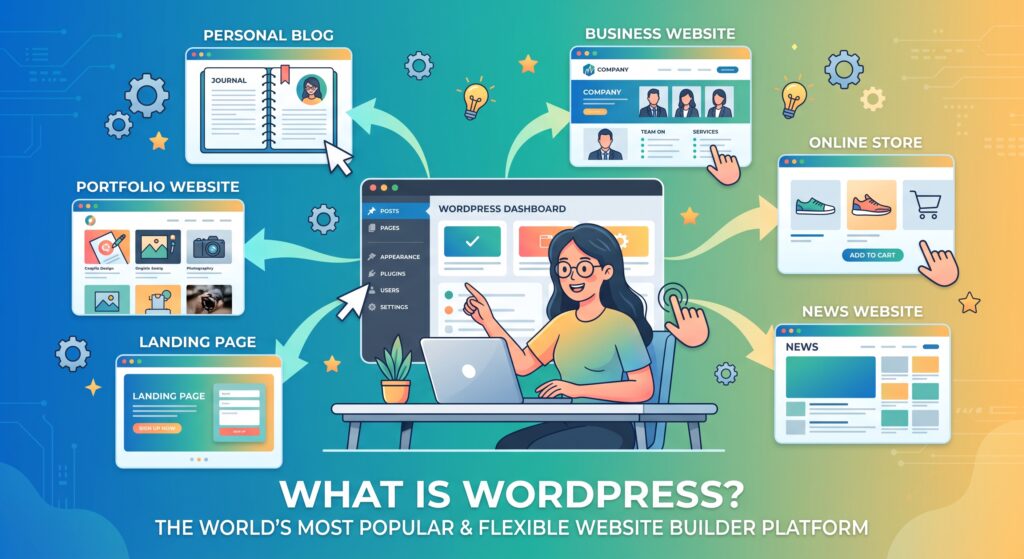
WordPress is one of the most popular website platforms in the world. It allows users to create and manage websites through an easy-to-use dashboard.
One of the biggest advantages of WordPress is its flexibility. You can build different types of websites, including:
- Personal blogs
- Portfolio websites
- Business websites
- Online stores
- News websites
- Landing pages
You can also expand your website by using themes and plugins.
Step 1: Choose Your Website Purpose
Before purchasing a domain or hosting plan, decide what your website will be about.
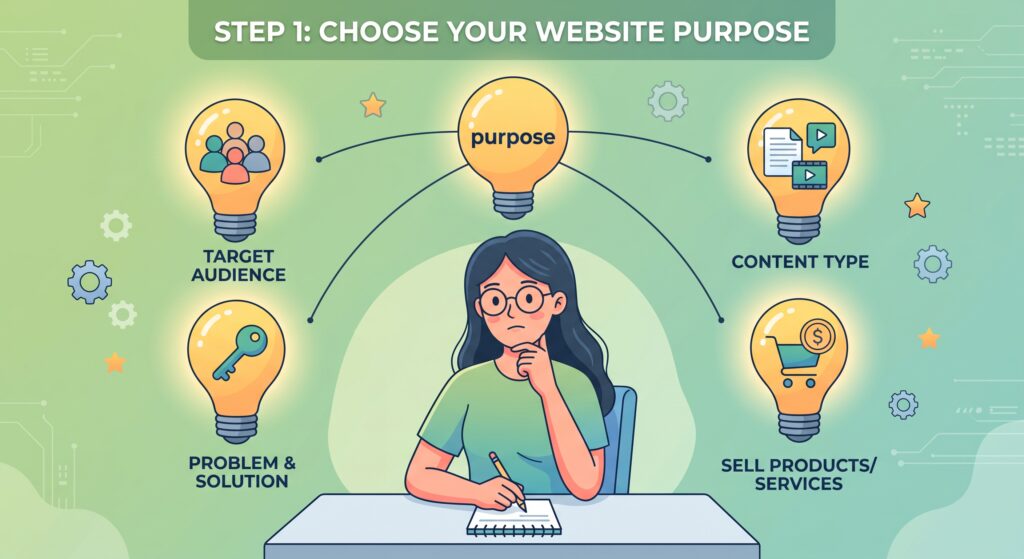
Ask yourself these questions:
- Who is my target audience?
- What problem will my website solve?
- What type of content will I publish?
- Do I want to sell products or services?
Having a clear purpose will make it easier to choose your website design and content strategy.
For example, a portfolio website should focus on showcasing your work, while a blog should focus on publishing helpful and informative articles.
Step 2: Choose a Domain Name
Your domain name is your website address.
For example:
yourwebsite.com
A good domain name should be:
- Easy to remember
- Easy to spell
- Relevant to your brand
- Short and simple when possible
If you are building a personal brand, using your own name can be a great option.
For example:
firstnameLastname.com / imamsetyarhamadani.com
This can help you build a professional online presence.
Step 3: Choose Web Hosting
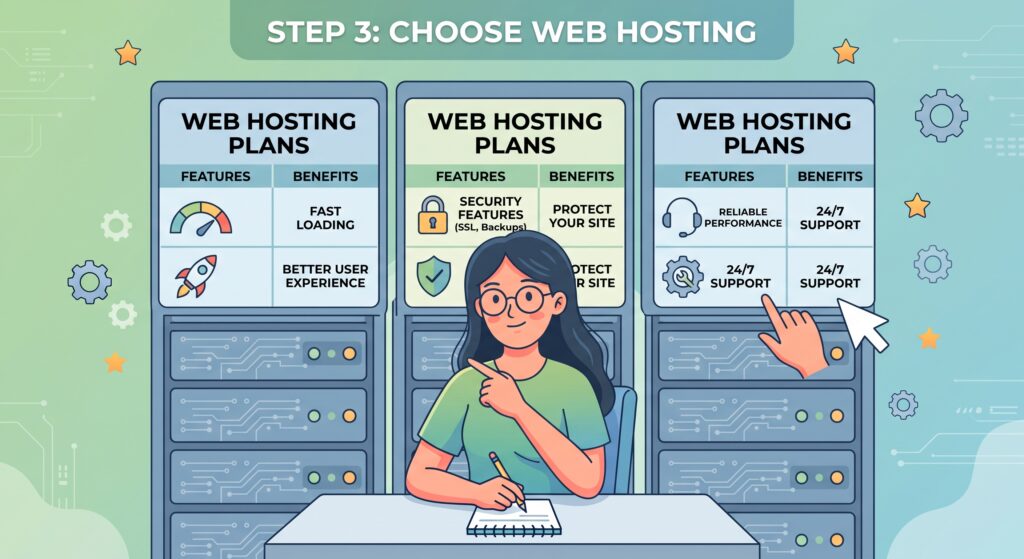
Web hosting is where your website files are stored.
When choosing a hosting provider, consider:
- Website speed
- Security features
- Customer support
- Storage capacity
- WordPress compatibility
- Pricing
For beginners, managed WordPress hosting can make the setup process easier.
A good hosting provider should also provide SSL security, backups, and reliable server performance.
Step 4: Install WordPress
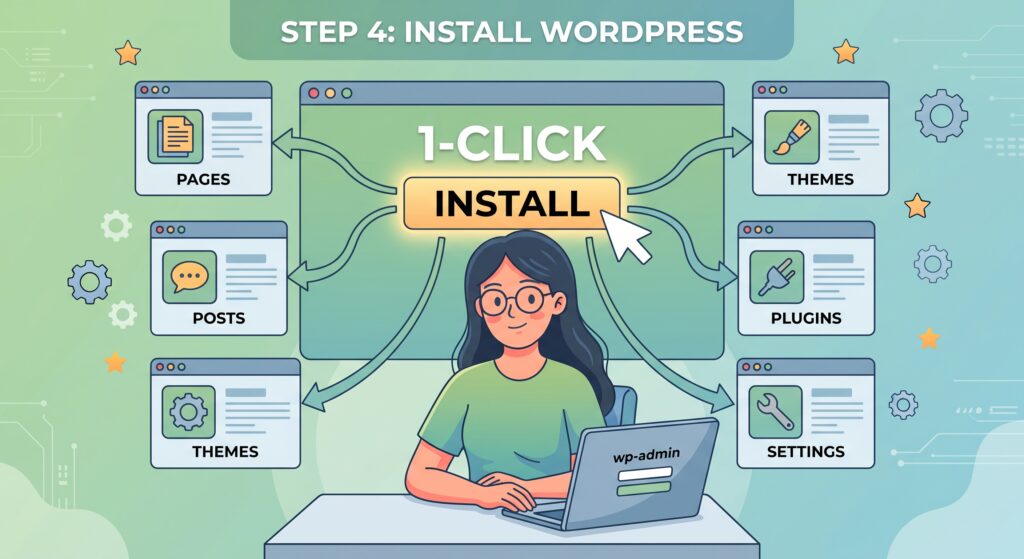
Many hosting providers offer one-click WordPress installation.
After installing WordPress, you can access your website dashboard by visiting:
yourwebsite.com/wp-admin
From the dashboard, you can manage:
- Pages
- Blog posts
- Themes
- Plugins
- Users
- Website settings
This dashboard will become the main control center for your website.
Step 5: Choose a WordPress Theme
A WordPress theme controls the appearance and layout of your website.
When choosing a theme, look for one that is:
- Mobile-friendly
- Fast-loading
- Regularly updated
- Compatible with popular plugins
- Easy to customize
Avoid installing too many unnecessary themes.
Choose one primary theme that matches your website goals.
Step 6: Install Essential Plugins
Plugins allow you to add additional features to your WordPress website.
Some common types of plugins include:
SEO Plugins
SEO plugins can help you optimize your content for search engines.
They may help you improve:
- Meta titles
- Meta descriptions
- Sitemap generation
- Content optimization
Security Plugins
Security plugins can help protect your website from common threats.
Backup Plugins
Regular backups are important because they allow you to restore your website if something goes wrong.
Performance Plugins
Website speed is important for user experience.
Performance tools can help optimize:
- Images
- Website caching
- CSS and JavaScript files
However, avoid installing too many plugins because unnecessary plugins may affect website performance.
Step 7: Create Important Website Pages
Before publishing your first blog post, create several important pages.
About Page
Tell visitors who you are and what your website is about.
If you are building a personal brand, you can include:
- Your background
- Your skills
- Your experience
- Your professional goals
Contact Page
Make it easy for visitors or potential clients to contact you.
Privacy Policy
A privacy policy explains how your website handles visitor information.
Blog Page
Your blog page will display your articles and educational content.
Publishing helpful articles can help your website attract organic traffic from search engines over time.
Step 8: Publish Helpful Content
Content is one of the most important parts of a successful website.
Instead of creating articles only for search engines, focus on answering real questions from your audience.
For example, instead of writing a very general article like:
WordPress Tips
You could create a more specific article such as:
How to Make a WordPress Website Faster Without Coding
Specific topics often provide clearer value because they address a particular problem.
Before writing an article, think about what your reader wants to achieve.
Then create content that provides a clear and useful solution.
Step 9: Optimize Your Website for SEO
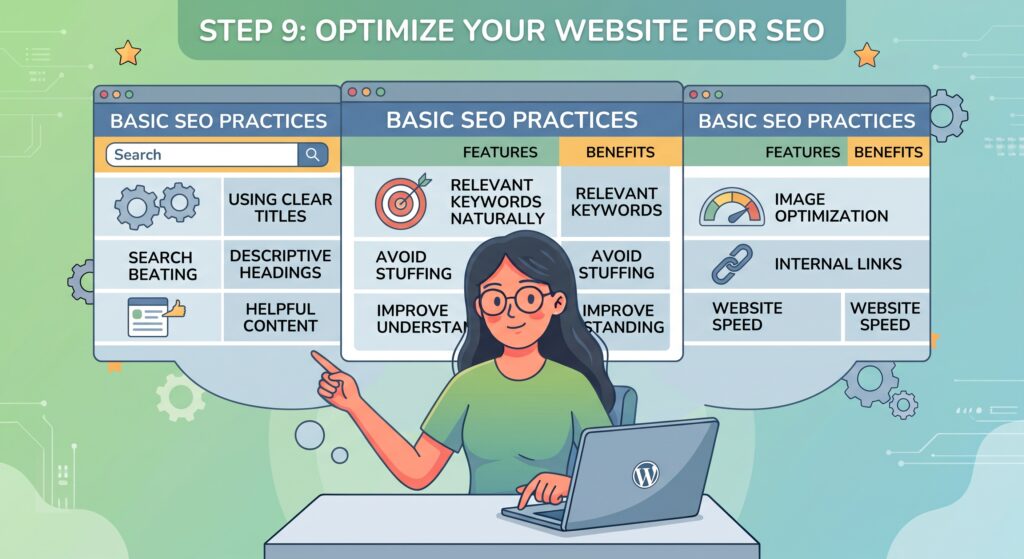
Search engine optimization, or SEO, helps search engines understand your website and content.
Some basic SEO practices include:
- Using clear page titles
- Creating descriptive headings
- Writing helpful content
- Using relevant keywords naturally
- Optimizing images
- Improving website speed
- Creating internal links
Avoid keyword stuffing.
Instead, use keywords naturally where they help explain the topic.
Your primary goal should always be to create content that is useful and easy to understand.
Step 10: Make Your Website Mobile-Friendly
A large number of users browse websites using smartphones. – How to Start a WordPress Website for Beginners Indonesia
Your website should work properly on:
- Smartphones
- Tablets
- Desktop computers
Test your website regularly to make sure:
- Text is easy to read
- Buttons are easy to click
- Images display correctly
- Pages load quickly
A good mobile experience can help visitors stay on your website longer.
How to Start a WordPress Website for Beginners Indonesia : Common Mistakes Beginners Should Avoid
Many beginners make the mistake of focusing only on website design. A beautiful website is helpful, but it is not enough. Here are some common mistakes to avoid:
Installing Too Many Plugins
Too many plugins can make your website more difficult to manage and may affect performance.
Ignoring Website Speed
Slow websites can create a poor user experience.
Publishing Thin Content
Short articles without useful information may not provide enough value to readers.
Ignoring Mobile Users
Always check how your website looks on mobile devices.
Forgetting About Security
Keep WordPress, themes, and plugins updated.
Final Thoughts : How to Start a WordPress Website for Beginners Indonesia
Starting a WordPress website does not require advanced coding knowledge. The most important thing is to begin with a clear purpose and build your website step by step. Start by choosing your domain and hosting, install WordPress, select a reliable theme, and create the essential pages. After that, focus on publishing helpful content that answers real questions from your target audience. Building a successful website takes time, but consistent improvements can help you create a stronger online presence and attract more visitors over the long term.
Frequently Asked Questions
Is WordPress free?
WordPress software is available for free, but you may still need to pay for web hosting and a domain name.
Do I need coding skills to use WordPress?
No. Many WordPress websites can be created without writing code.
How long does it take to build a WordPress website?
A basic website can be created within a few hours, while larger and more customized websites may take longer.
Can WordPress be used for a business website?
Yes. WordPress can be used to create many types of business websites, including service websites and online stores.
How to Start a WordPress Website for Beginners Indonesia : Is WordPress good for SEO?
WordPress provides a flexible foundation for SEO, especially when combined with helpful content, proper website structure, and good technical performance. How to Start a WordPress Website for Beginners Indonesia